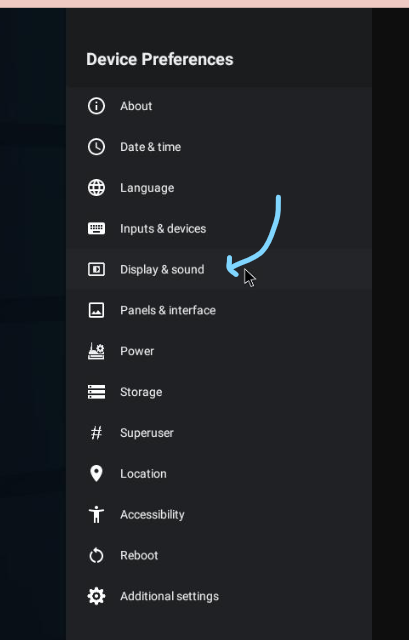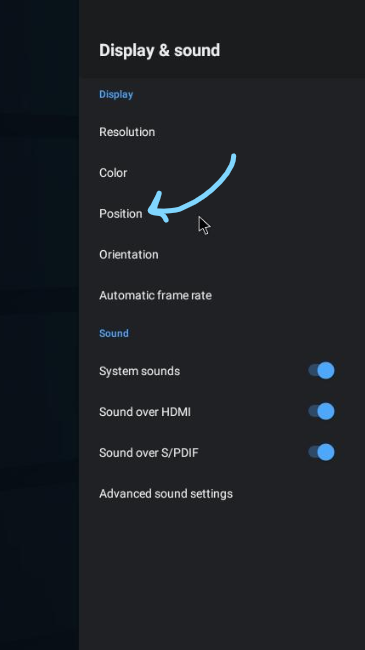
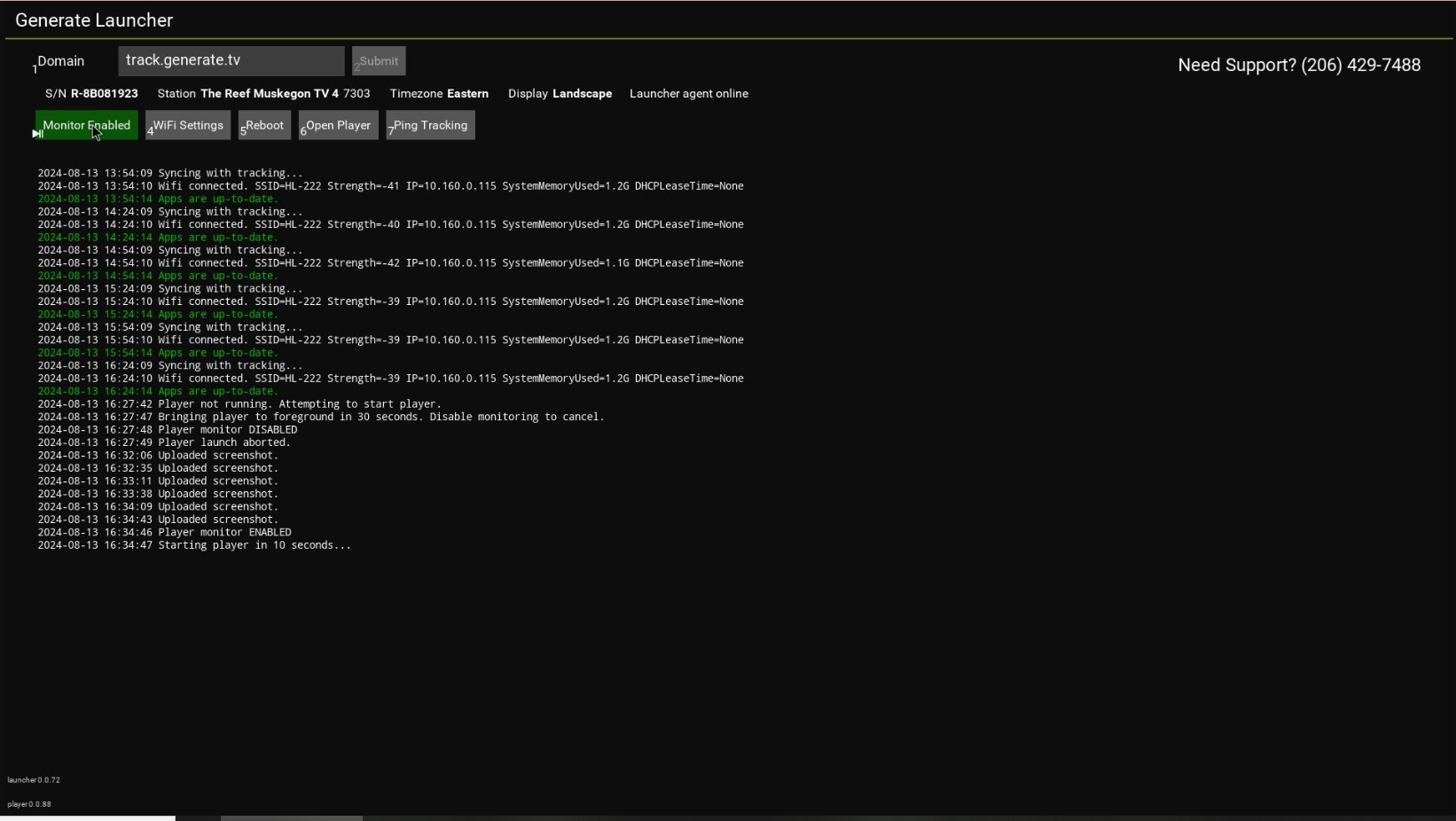
Navigate to Generate Launcher and Disable Monitor by clicking the ‘Play/Pause’ button on the Divvy Remote

Adjust Screen height and Screen width until all corners of the screen appear to fit the TV screen

At this point your device should be set to the correct screen scale.
Navigate to the desktop screen by clicking the home button on your remote control.


Navigate to Generate Launcher and Enable Monitor by clicking the ‘Play/Pause’ button on the Divvy Remote
If these steps do not work, you may need to adjust the scale on your tv itself. Please see your TV manual for instructions.
Still Need Assistance?

Send us an email or give us a call. We’re happy to help!