
Simple step-by-step guide to reconnect your Divvy device
Select the device that matches what you see at your location
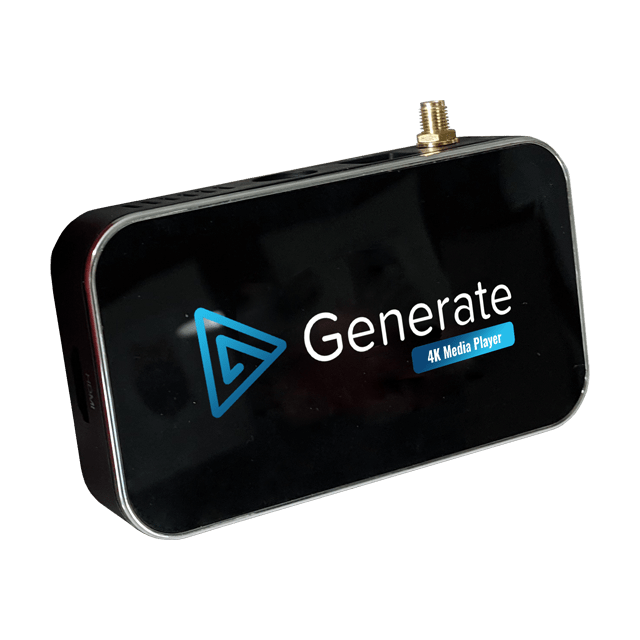
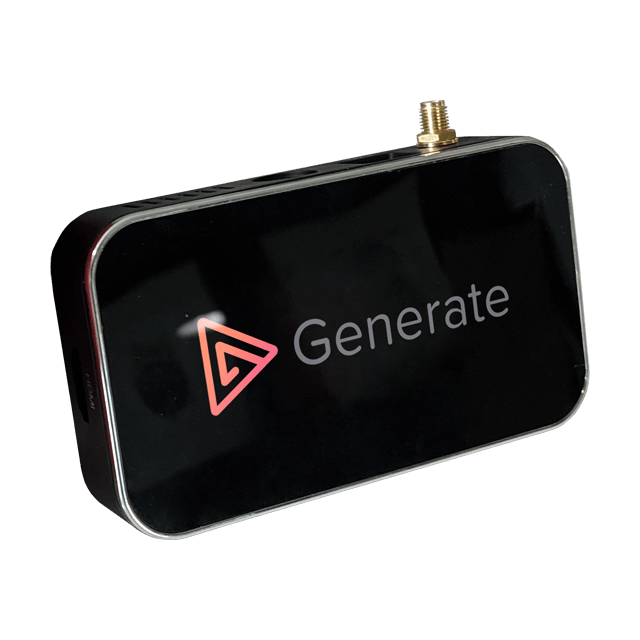
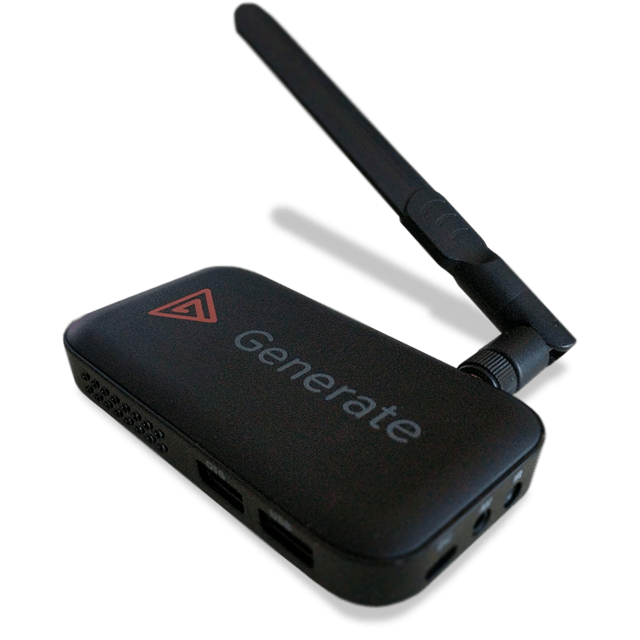
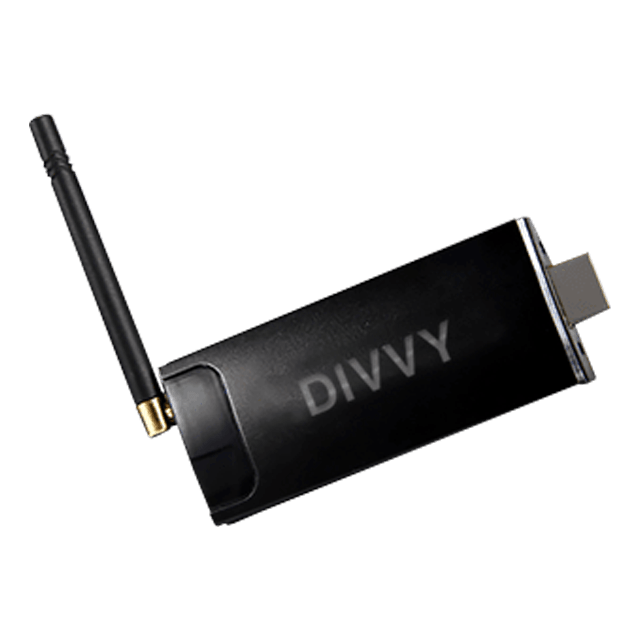
Check the label on the bottom or back of your device, or contact support for help.
Select how you’ll navigate your device
Don’t have your remote?
Plug a USB mouse directly into your device to navigate the menus
Follow each step carefully to reconnect your device
Our support team is here to help
⚠️ The Device Status page is only accessible by an Account User.